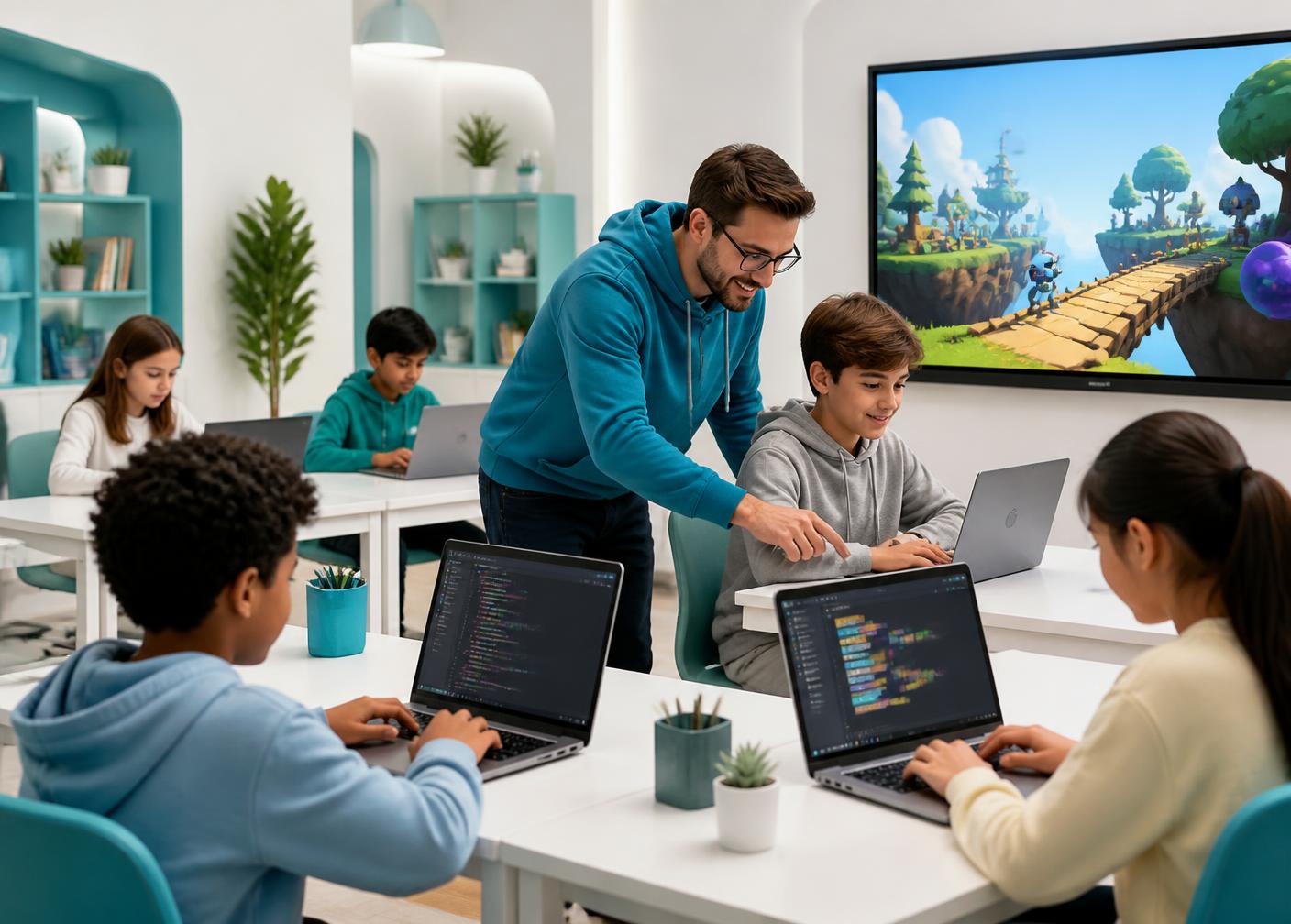
Ultimate Coders Oakville · In-person
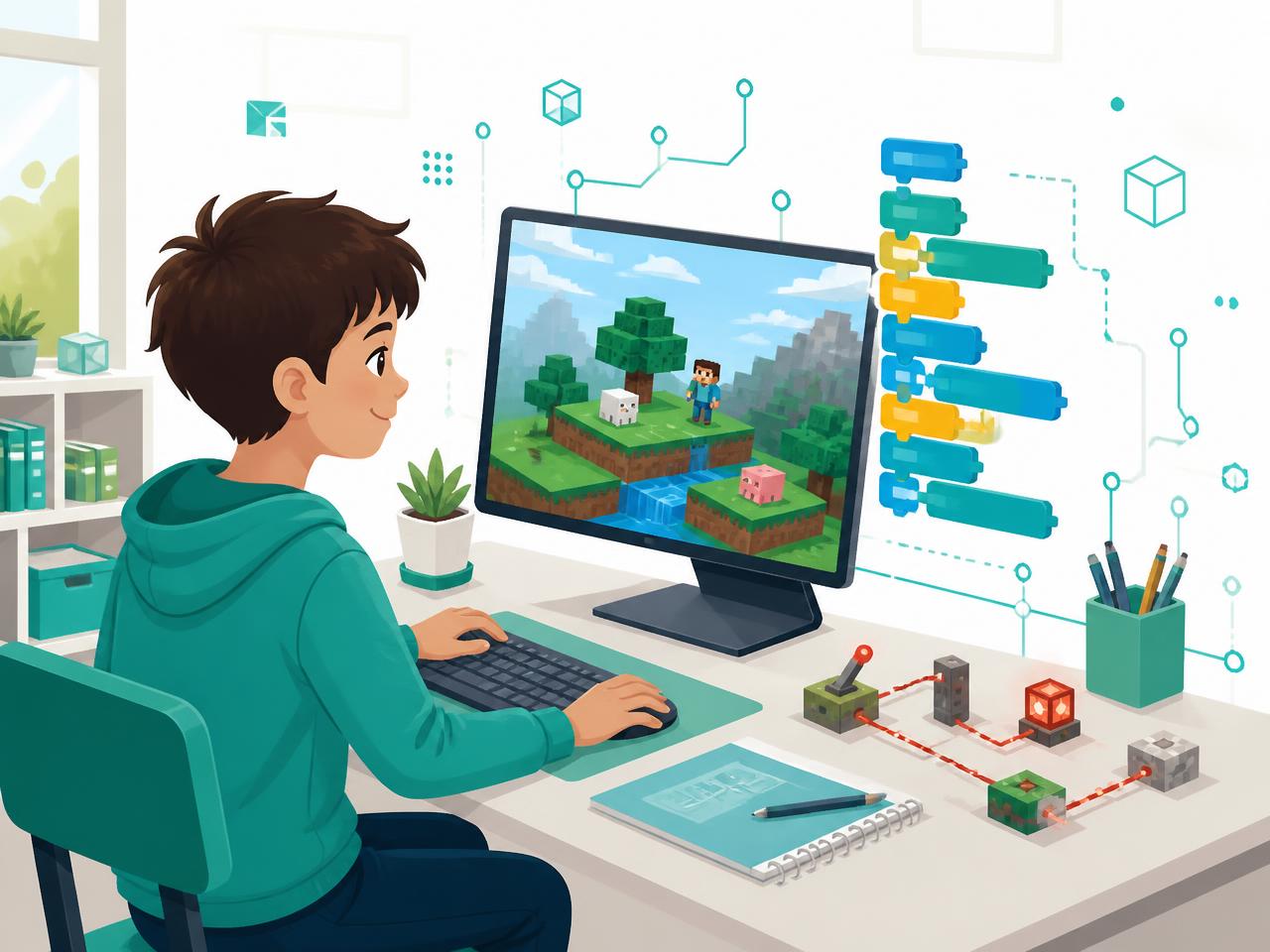
Your child can build anything in Minecraft — one block at a time. Code lets them build it a thousand at a time.
A structured, in-person program that turns Minecraft into a computer science classroom — loops, logic, automation and problem solving — taught weekly on Minecraft Education at our Oakville centre.
- Ages 8–14
- 2 hours weekly
- Small in-person groups
- Free trial class
Prices in CAD, plus HST. One 2-hour class per week at our Oakville centre.
In-person in Oakville
1395 Abbeywood Dr, Unit 12, Oakville, ON, L6M 3B2
One 2-hour class a week
Two weekly slots to choose from
Two structured levels
Foundations, then advanced systems
4.9★ from 25 Google reviews
Ultimate Coders Oakville
The honest question
“Isn't this just playing games?”
It's a fair question — and the difference is the whole point of the program.
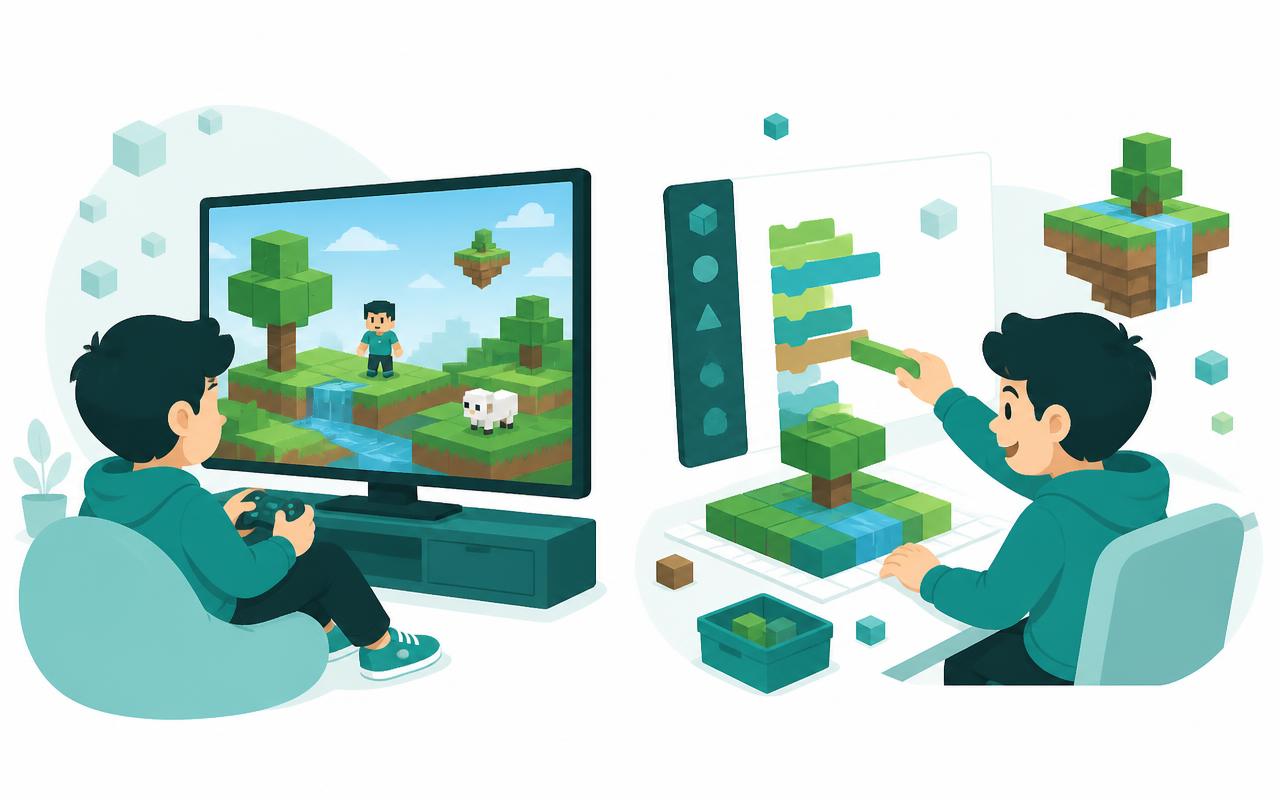
Playing
- Mines and builds block by block, by hand
- Copies builds from videos without understanding them
- Starts over every world, learning nothing new
- Nothing carries across to school work
- Screen time is passive and hard to justify
Creating
- Writes code that builds structures automatically
- Designs logic and automation others can reuse
- Understands loops, conditions and functions properly
- Builds computational thinking that shows up in math class
- Screen time becomes a creative discipline
Why now
Why 8–14 is the window that matters
Minecraft is the most forgiving place a child will ever learn to program. Mistakes are visible, instant and harmless — the tower falls over, and they fix it.
That fast feedback loop is exactly what builds computational thinking: break the problem down, test it, adjust. Kids who learn this at 8–14 apply it long before they ever call it computer science.
By high school, the same concepts arrive as abstract theory. Learning them here means arriving already fluent.
How your child actually learns
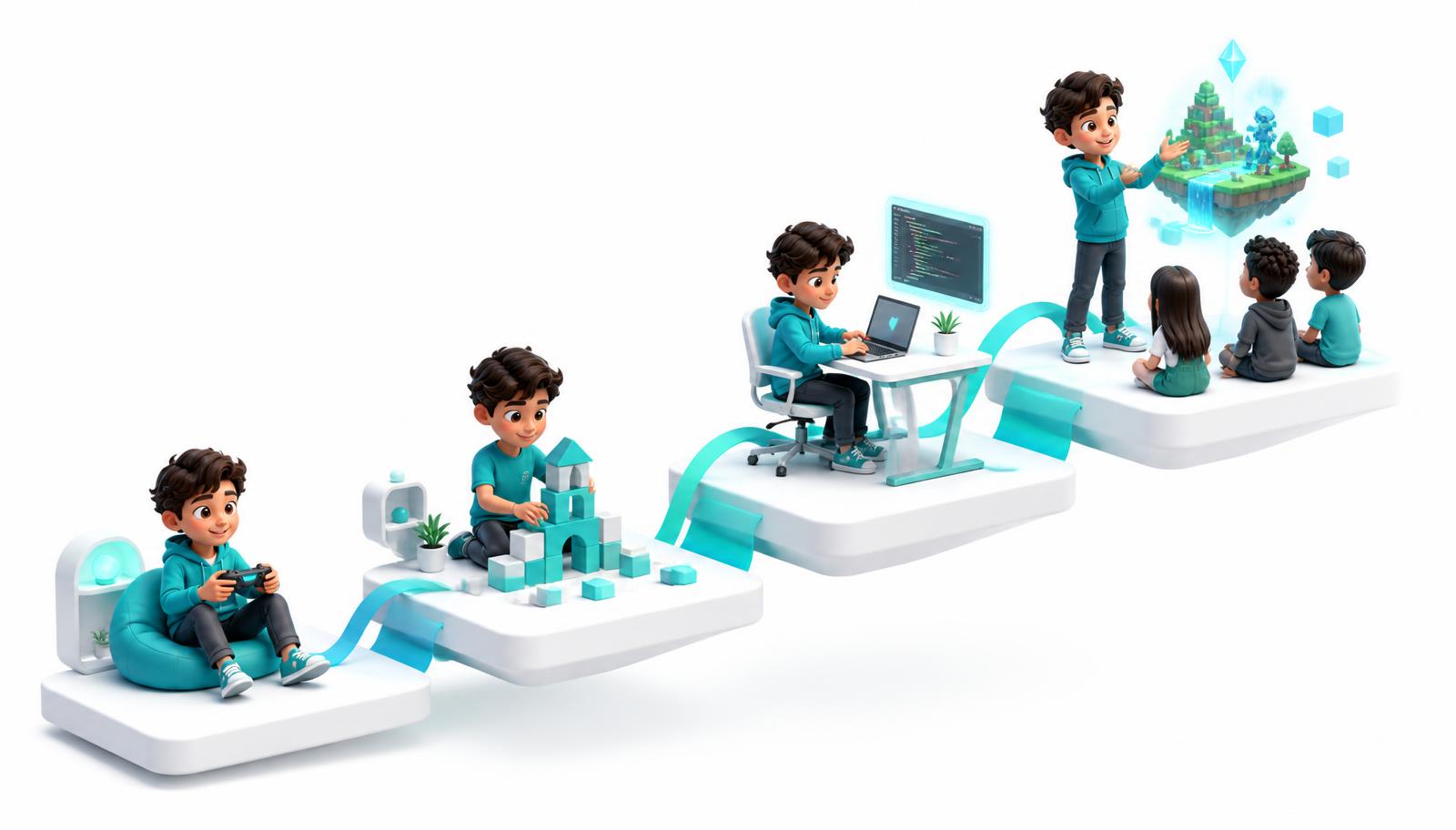
From player to creator, one step at a time
Every class follows the same rhythm: learn a concept, use it in a project, then explain how it works.
- 1
Player
Builds by hand, one block at a time.
- 2
Automator
Uses loops and agents to build for them.
- 3
Engineer
Designs logic, sensors and working systems.
- 4
Creator
Ships an original automated world of their own design.
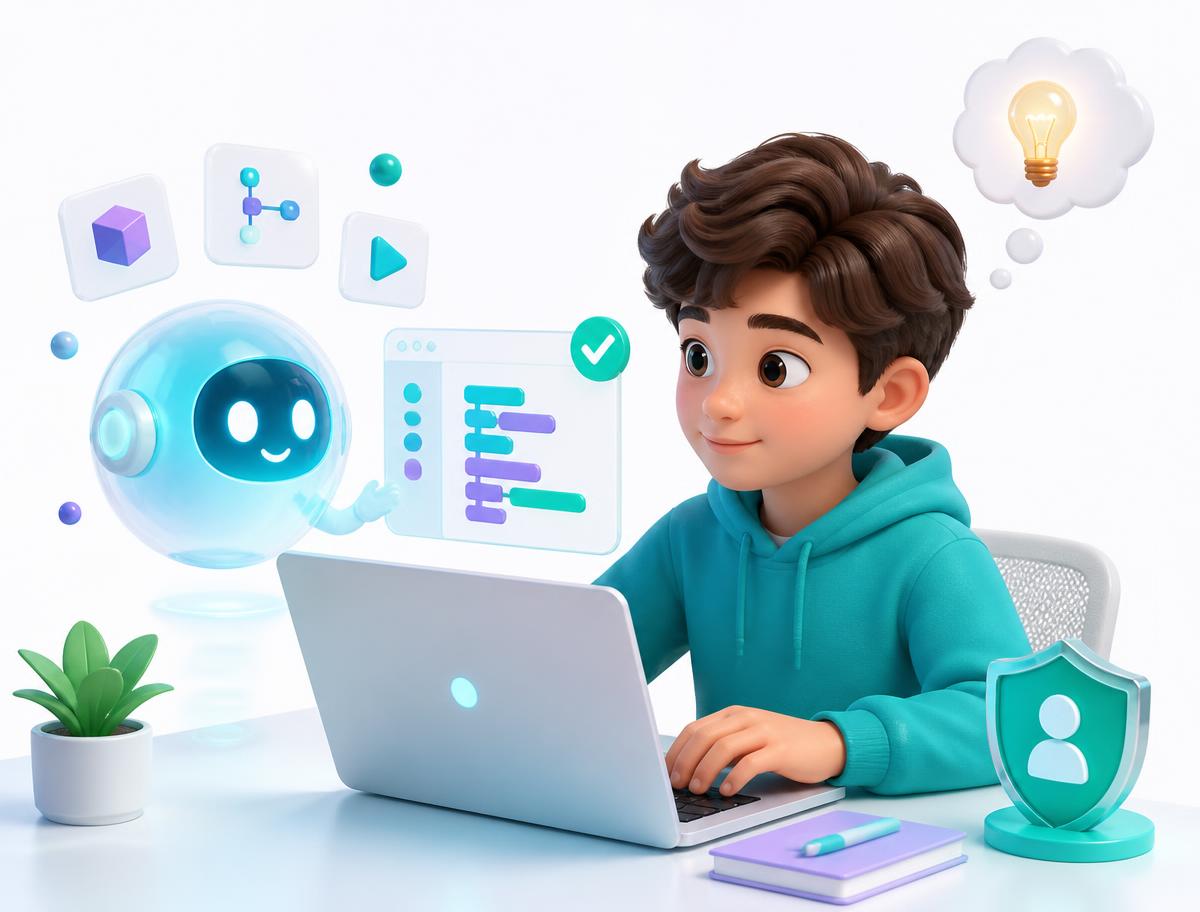
Students learn to use AI the way professional developers do — to explain errors and suggest approaches — while still writing and understanding their own code. Instructors supervise every session, and AI never replaces the thinking.
Foundations — Code Your World
Indicative 12-week arc
Students move from building by hand to writing code that builds for them inside Minecraft Education.
- Minecraft Education Code Builder and the agent
- Sequences, loops and repetition
- Coordinates, direction and spatial reasoning
- Conditionals and simple decision making
- Debugging: reading what went wrong and fixing it
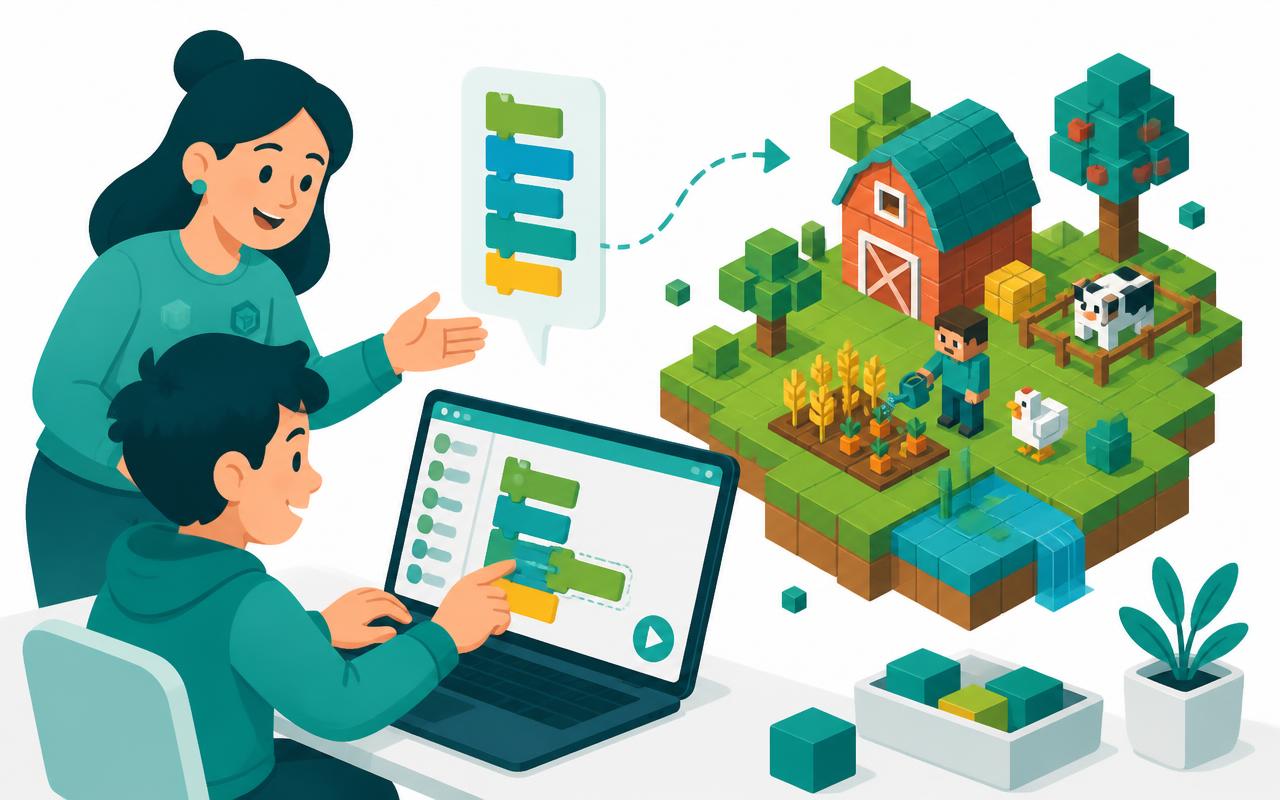
Weeks 1–3
First commands
Meet the agent, give it precise instructions, and discover why computers need exact steps.
Weeks 4–6
Loops that do the heavy lifting
Replace 100 manual blocks with a single loop, build walls, roads and towers automatically.
Weeks 7–9
Decisions & conditions
Use if-statements so builds react to the terrain and the agent handles obstacles on its own.
Weeks 10–12
Build a village
Combine loops and conditions into a coded village, then present how it works to the group.
Example projects
- · Auto-built house and farm
- · Coded maze with a solving agent
- · A village generated entirely by code
The indicative 12-week arc is indicative — instructors adapt pacing and projects to each group. Ages 8–14.
Advanced — Automation & Systems
Indicative 12-week arc
Students design systems: reusable functions, sensor-driven logic and large automated builds.
- Functions, parameters and reusable code
- Variables, lists and data
- Redstone-style logic and sensor-driven automation
- Breaking large builds into smaller solvable problems
- Testing, iterating and documenting a system
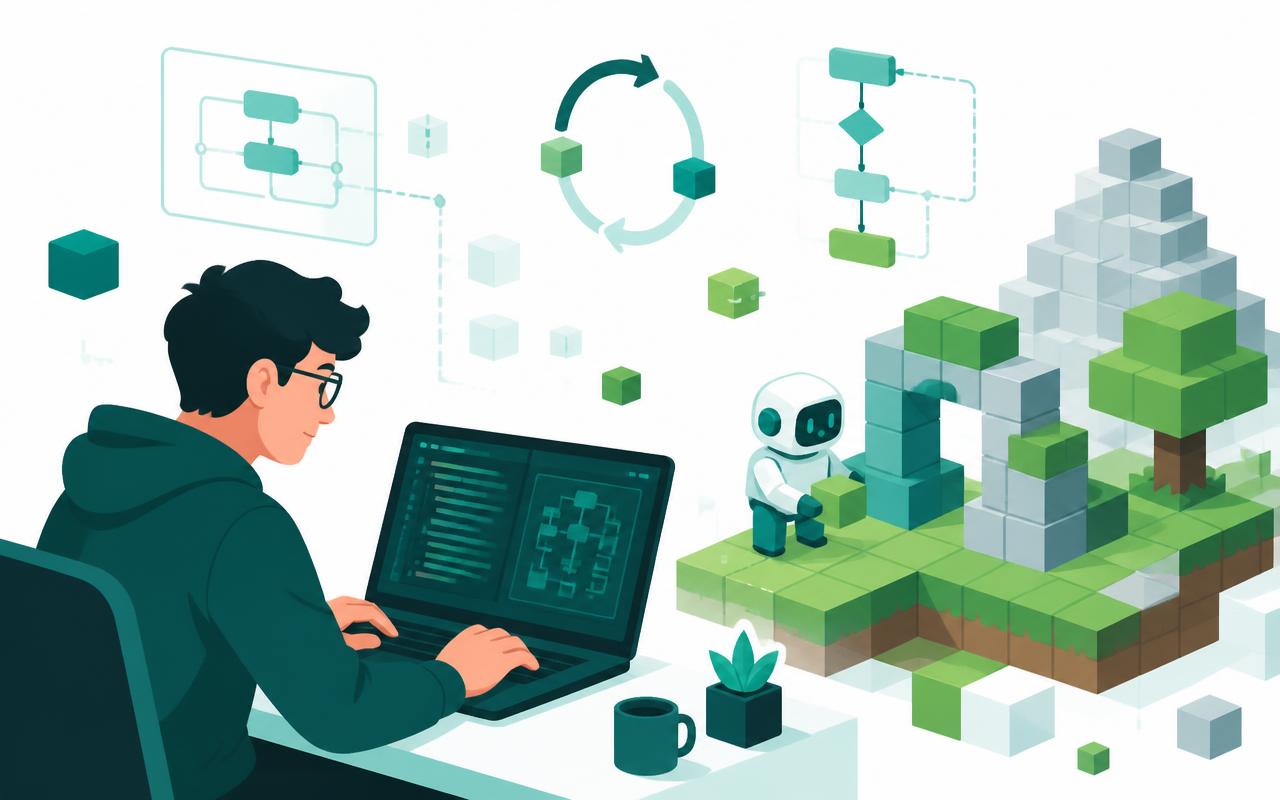
Weeks 1–3
Reusable code
Write functions with parameters so one block of code can build many different structures.
Weeks 4–6
Data & variables
Track state, store lists of positions, and use data to drive what gets built where.
Weeks 7–9
Sensors & automation
Combine logic circuits with code so the world responds on its own — doors, farms, defences.
Weeks 10–12
Capstone system
Design and build an original automated world, debug it under real conditions, and present it.
Example projects
- · Fully automated farm
- · Sensor-driven castle with working defences
- · Original capstone world, presented to the class
The indicative 12-week arc is indicative — instructors adapt pacing and projects to each group. Ages 8–14.
Proof, not promises
What will they actually build?
Every student finishes with an original automated Minecraft world they designed and coded themselves — plus the ability to explain exactly how it works.
Auto-built village
Loops and conditions generating houses, roads and farms.
Automated farm
Sensors, logic and functions running a self-sustaining system.
Coded maze
An agent that navigates and solves what the student designed.
Capstone world
An original automated build, documented and presented.
More than screen time
What parents actually notice
The game is the hook. These are the habits that stay.
Focus that lasts
Finishing a build takes weeks. Kids learn to stay with a hard problem instead of abandoning it.
Resilience with mistakes
Code breaks constantly. Debugging teaches children that being wrong is a step, not a verdict.
Logical thinking
Loops, conditions and functions are the same reasoning patterns their math class rewards.
Something to show
Every term ends with a finished project your child can demo and explain out loud.
Schedule
Choose ONE weekly class
One 2-hour class per week, in person at our Oakville centre. Choose the weekly slot that suits your family at checkout — students attend one class a week, not both.
Monday
4:00–6:00 PM
Thursday
4:00–6:00 PM
Students attend one 2-hour class per week — you choose the slot at checkout.
1395 Abbeywood Dr, Unit 12, Oakville, ON, L6M 3B2Pricing
Two ways to start
All prices in CAD and exclude HST. Each term is one 2-hour class per week at our Oakville centre.
3 Months
Level 1 — Foundations
$599 + HST
12 classes
- 12 in-person classes
- Level 1 curriculum
- Finished, shareable project
- All equipment and software provided
6 Months
Level 1 + Level 2
$1150 + HST
24 classes
- 24 in-person classes
- Level 1 and Level 2 curriculum
- Advanced systems and capstone build
- Save $48 vs two 3-month terms
Prefer to try it first?
Questions about placement or scheduling? Call the centre at 289-320-0320.
FAQ
Questions parents ask us
My child already plays Minecraft all the time. Isn't this basically more gaming?
No. The platform is the setting; the learning is coding, problem solving and creation. Students move from playing to building, testing and programming their own projects.
Will my child actually learn real coding, or is it mostly clicking and dragging things around?
They learn real programming concepts such as variables, logic, loops, events and functions, then use those concepts in projects. The level of coding increases as they progress.
My child has never coded before. Is this really suitable for a complete beginner?
Yes. Level 1 starts with the foundations and builds skills step by step, so previous coding experience is not required.
My child already knows some coding. Will they be too advanced for this program?
Not necessarily. Students with prior experience can build on their skills through more advanced projects and challenges. The focus is on progression, not simply repeating beginner work.
What will my child actually make during the program?
They build coded, interactive projects. Minecraft students may create automated builds, coding challenges, mini-games and interactive worlds.
How is coding taught through Minecraft? What are they actually learning behind the game?
Students learn a concept, apply it, test it, debug it and use it in a project. The game environment makes abstract coding ideas easier to see and use.
Where does AI come into the program, and how will you make sure my child is actually learning instead of just asking AI for the answers?
AI is treated as a tool, not a shortcut. Students learn to ask better questions, inspect AI-generated code, test it, find mistakes and understand what the code does.
How is this different from my child watching coding tutorials on YouTube or learning on their own?
They get a structured progression instead of disconnected tutorials, with guided practice, projects, troubleshooting and a path from beginner skills to more independent creation.
My child already spends a lot of time on screens. Will they be on a computer for the full two-hour class?
The program is computer-based, but the screen time is purposeful: coding, building, testing and problem solving rather than passive entertainment. The exact class format may vary by session.
Why are the classes two hours long, and will my child be able to stay focused that long?
Two hours gives enough time to learn a concept, practise it and turn it into a working project. Sessions are hands-on rather than two hours of uninterrupted lecture.
What's the difference between the 3-month and 6-month programs? Is six months really worth it?
Three months covers Level 1. Six months includes Level 1 plus Level 2, so students have more time to develop skills and complete more advanced projects. It is also better value than buying two separate 3-month terms.
What happens after Level 1? Will my child actually move on to more advanced projects?
Yes. Level 2 builds on the foundations from Level 1 and introduces more advanced coding, game systems, problem solving and more independent project work.
Do I have to book a free trial, or can I just enrol my child directly?
You can enrol directly. The free trial is available for parents who would prefer to experience the program before purchasing.
What happens if my child loses interest or decides Minecraft isn't for them after starting?
The program is designed around creating, not simply playing, so students are continually working toward projects and new challenges. Any cancellation, refund or transfer terms follow the centre's policy — ask us and we will walk you through them before you enrol.
Beyond Minecraft, what skills will my child actually take away from this program?
They practise logical thinking, problem solving, computational thinking, creativity, debugging, project planning and responsible use of technology and AI — skills that extend beyond the platform itself.
Is this regular Minecraft or Minecraft Education?
Classes run on Minecraft Education at the centre, which is set up for learning and coding. Families do not need to buy anything to attend.
What coding tools will my child use in Minecraft?
Students write code in Minecraft's built-in coding environment, using blocks-based coding that grows into more advanced concepts. The exact tools follow the platform used at the centre.
How does coding actually work inside Minecraft?
Students write instructions — loops, conditions, variables and functions — that control what happens in the world, such as automated builds and interactive challenges. The world becomes the visible output of their code.
Will my child eventually learn Python?
The core program focuses on coding concepts through the platform used at the centre. Where text-based coding such as Python is introduced, it is used as a foundation at the appropriate level — ask us about the current class setup.
Ready to get started?
Prefer to try it first?
Ultimate Coders Oakville
Same screen. Completely different outcome.
Minecraft Coding & Computational Thinking runs weekly, in person, in small groups. Start with a free trial class or enroll for the term — spaces per weekday are limited by group size.