Ultimate Coders Oakville · In-person
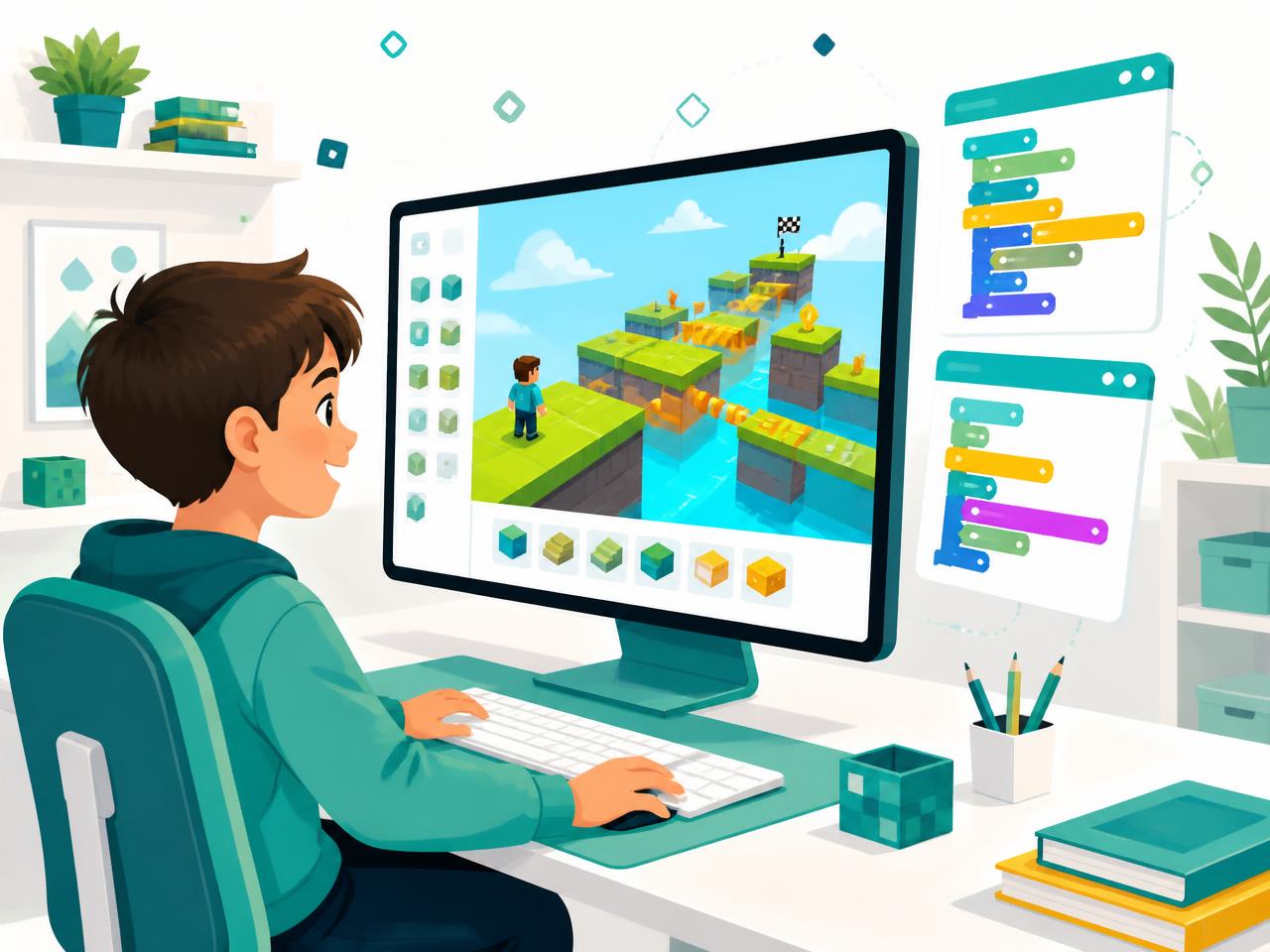
Your child already spends hours inside Roblox. Now they can build it.
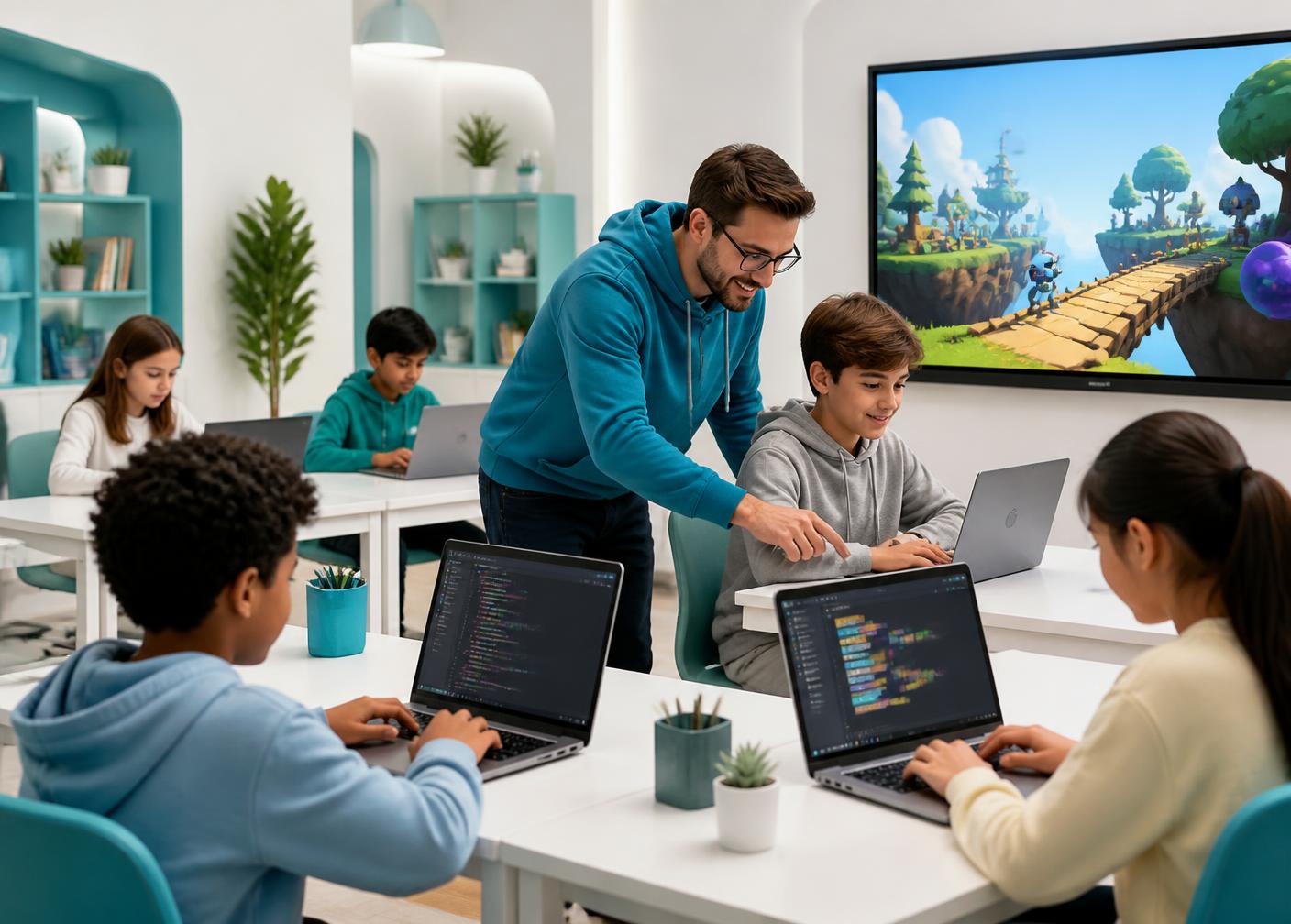
A structured, in-person program that turns screen time into real game development skills — level design, Lua scripting, publishing and problem solving — taught weekly at our Oakville centre.
- Ages 8–14
- 2 hours weekly
- Small in-person groups
- Free trial class
Prices in CAD, plus HST. One 2-hour class per week at our Oakville centre.
In-person in Oakville
1395 Abbeywood Dr, Unit 12, Oakville, ON, L6M 3B2
One 2-hour class a week
Two weekly slots to choose from
Two structured levels
Foundations, then advanced systems
4.9★ from 25 Google reviews
Ultimate Coders Oakville
The honest question
“Isn't this just playing games?”
It's a fair question — and the difference is the whole point of the program.
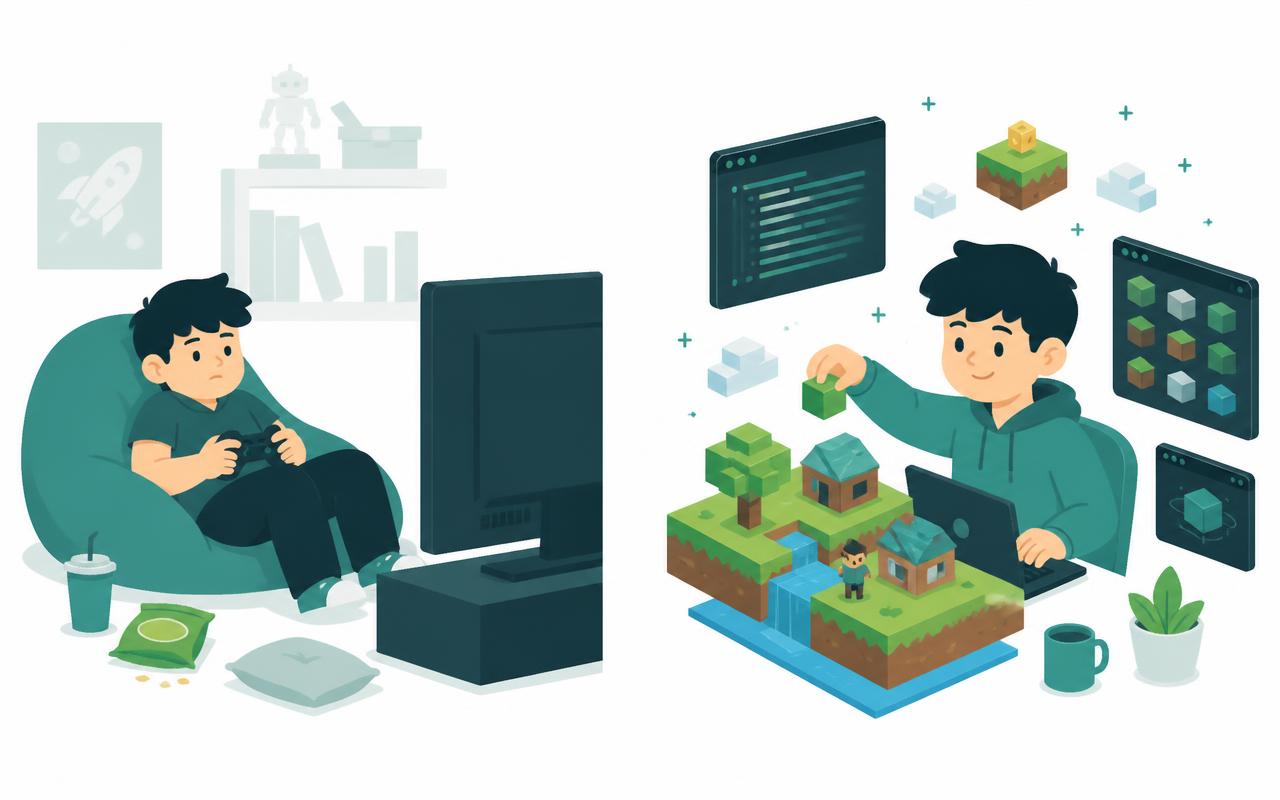
Playing
- Joins games other people built
- Spends Robux on other creators' items
- Progress disappears when the session ends
- Nothing to show at the end of the month
- Screen time is passive and hard to justify
Creating
- Designs and builds their own playable worlds
- Writes real Lua scripts that make things happen
- Keeps every project as a permanent portfolio piece
- Learns to debug — a skill that transfers to school
- Screen time becomes a creative discipline
Why now
Why 8–14 is the window that matters
Between 8 and 14, kids are old enough to reason about logic and young enough to experiment without fear of getting it wrong. That combination is rare, and it does not last.
Roblox is the easiest on-ramp there is: your child already understands the platform, so the only new thing they have to learn is the part that actually matters — the thinking behind it.
Kids who start building at this age carry it forward. The ones who wait usually stay players.
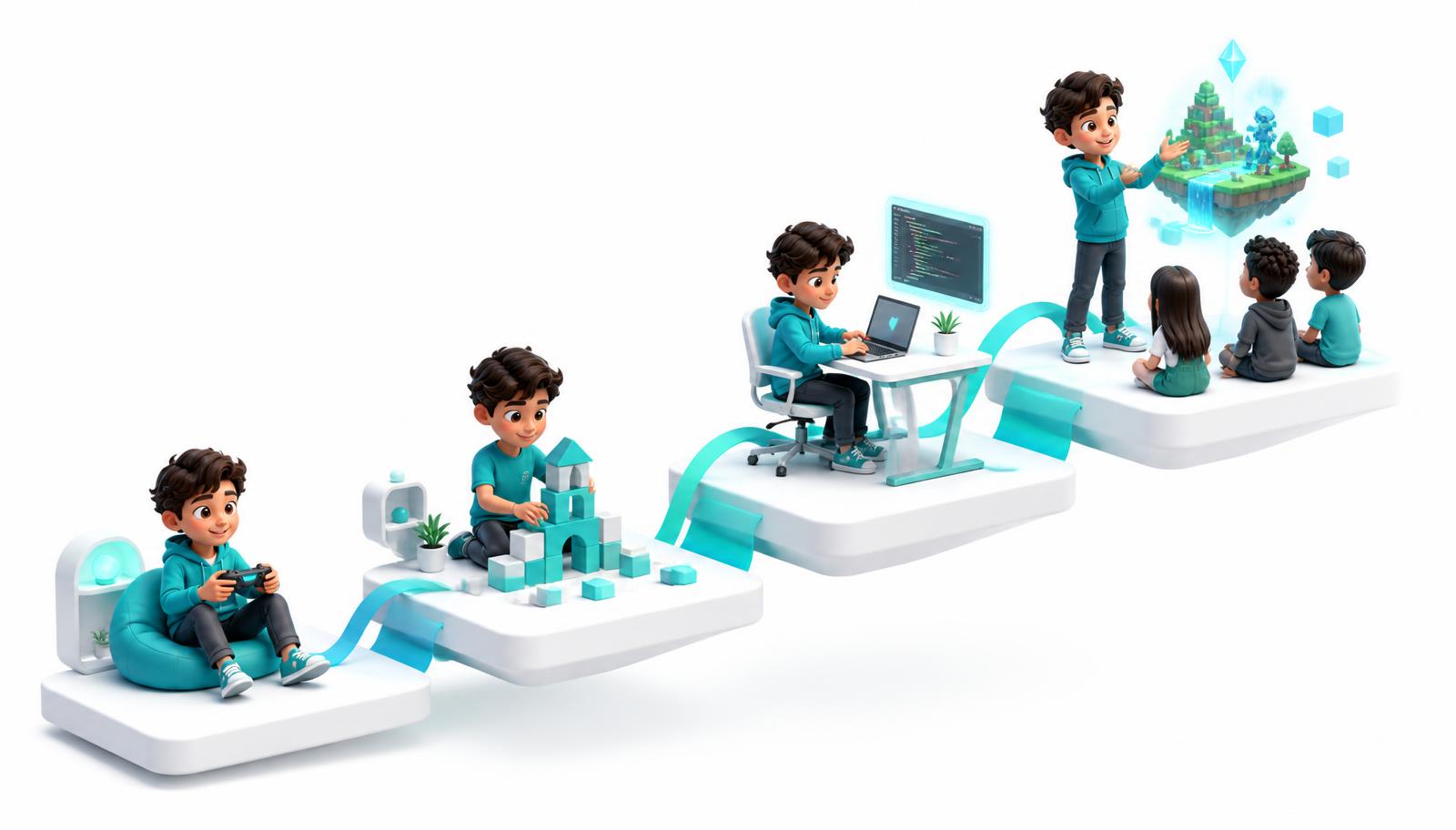
How your child actually learns
From player to creator, one step at a time
Every class follows the same rhythm: learn a concept, use it in a project, then explain how it works.
- 1
Player
Comfortable in Roblox, but only as a consumer.
- 2
Builder
Designs their own maps, terrain and game spaces.
- 3
Coder
Writes Lua that controls rules, points and events.
- 4
Creator
Publishes a finished, playable game with their name on it.
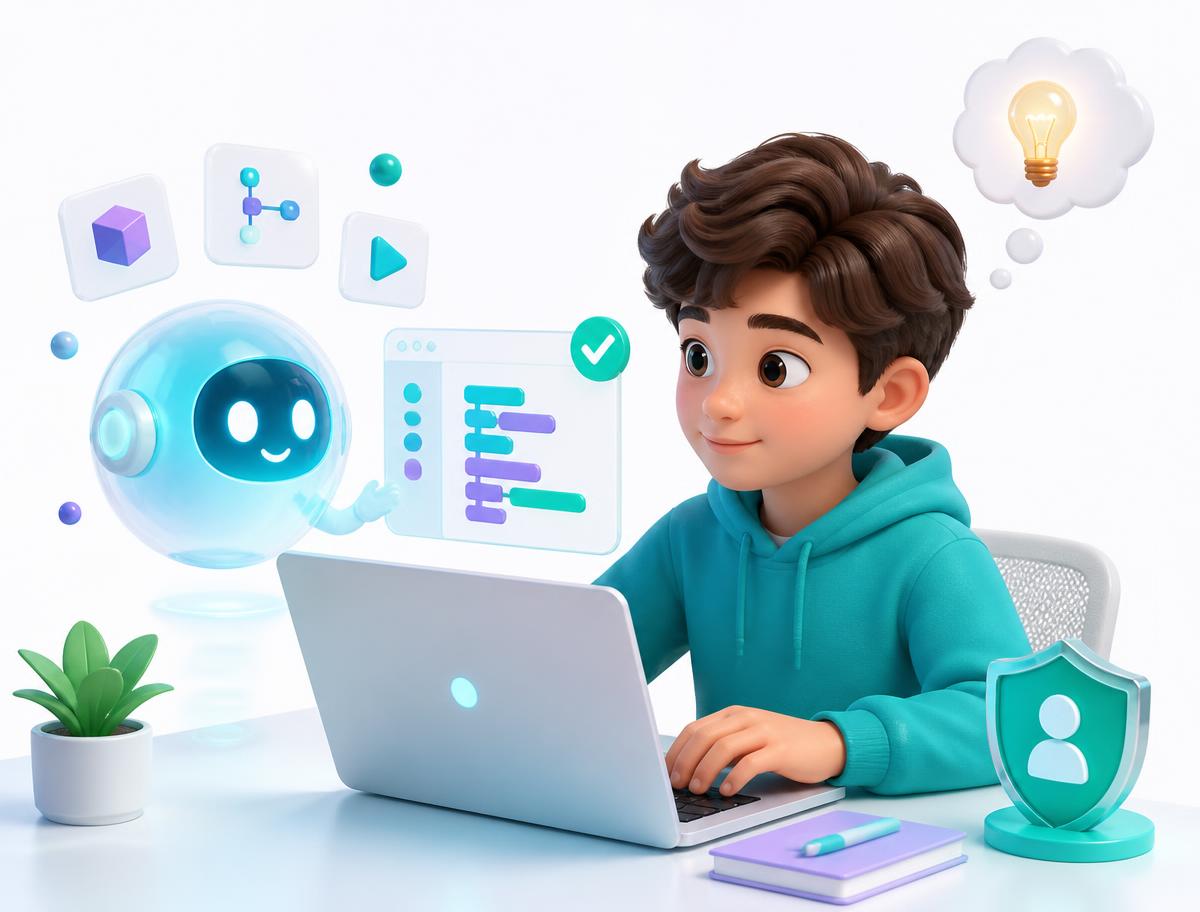
Students learn to use AI the way professional developers do — to explain errors and suggest approaches — while still writing and understanding their own code. Instructors supervise every session, and AI never replaces the thinking.
Foundations — Build & Script
Indicative 12-week arc
Students move from opening Roblox Studio for the first time to publishing a working game with rules, scoring and a win condition.
- Roblox Studio navigation and workflow
- Terrain, parts, materials and level design
- Lua fundamentals: variables, conditionals, loops
- Events, touch detection and player interaction
- Testing, debugging and publishing
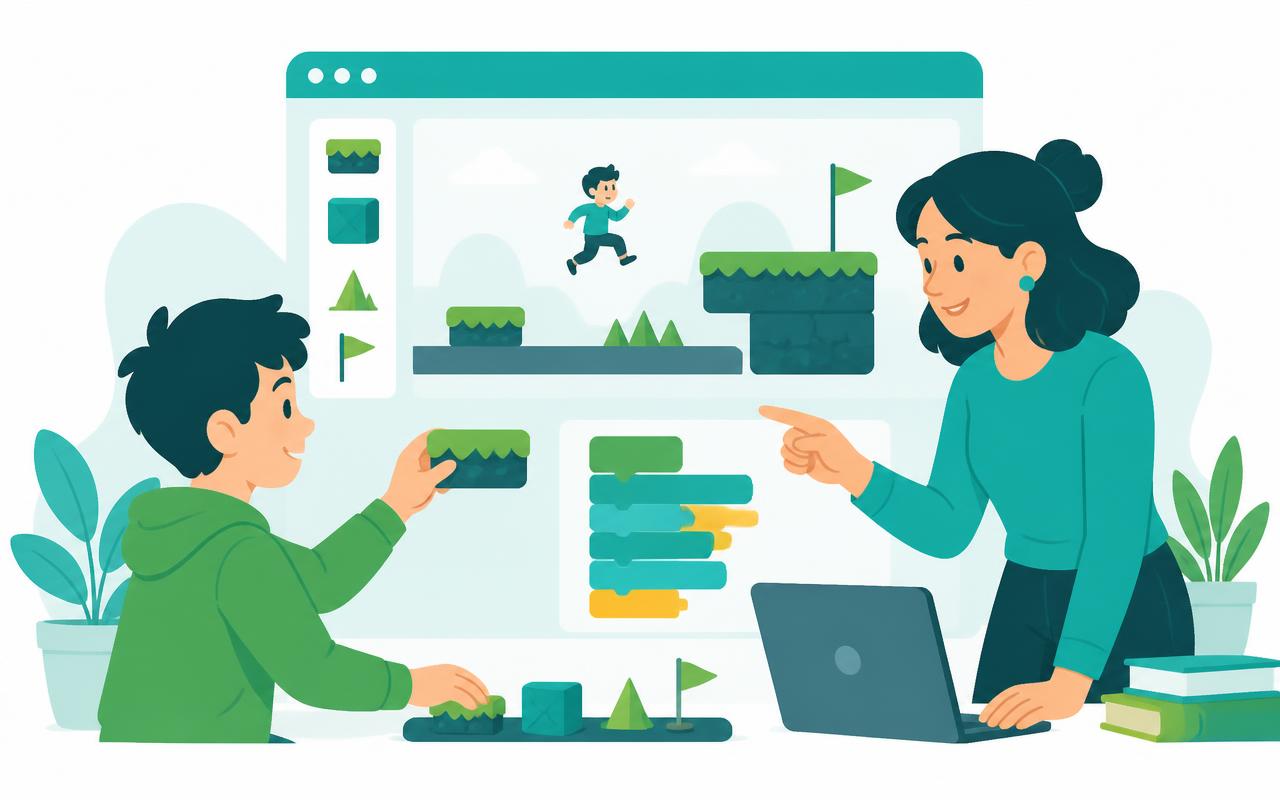
Weeks 1–3
Studio & first playable space
Navigate Roblox Studio confidently, build a first environment with parts and terrain, and test it as a real player.
Weeks 4–6
First scripts that do something
Write Lua to change colours, move parts and respond to touch. Learn variables, if-statements and how to read an error.
Weeks 7–9
Game rules & scoring
Add checkpoints, collectables, timers and a leaderboard so the world becomes an actual game with a goal.
Weeks 10–12
Polish & publish
Balance difficulty, fix bugs, add sound and lighting, then publish and share the finished game.
Example projects
- · Obstacle course with checkpoints
- · Collectable coin game with a live score
- · Timed challenge with a win screen
The indicative 12-week arc is indicative — instructors adapt pacing and projects to each group. Ages 8–14.
Advanced — Systems & Multiplayer
Indicative 12-week arc
Students stop building single scenes and start building systems: economies, saved progress and multiplayer behaviour.
- Functions, tables and clean code structure
- Client vs server and remote events
- In-game economies, shops and inventories
- Saving player progress with data stores
- Performance, playtesting and iteration
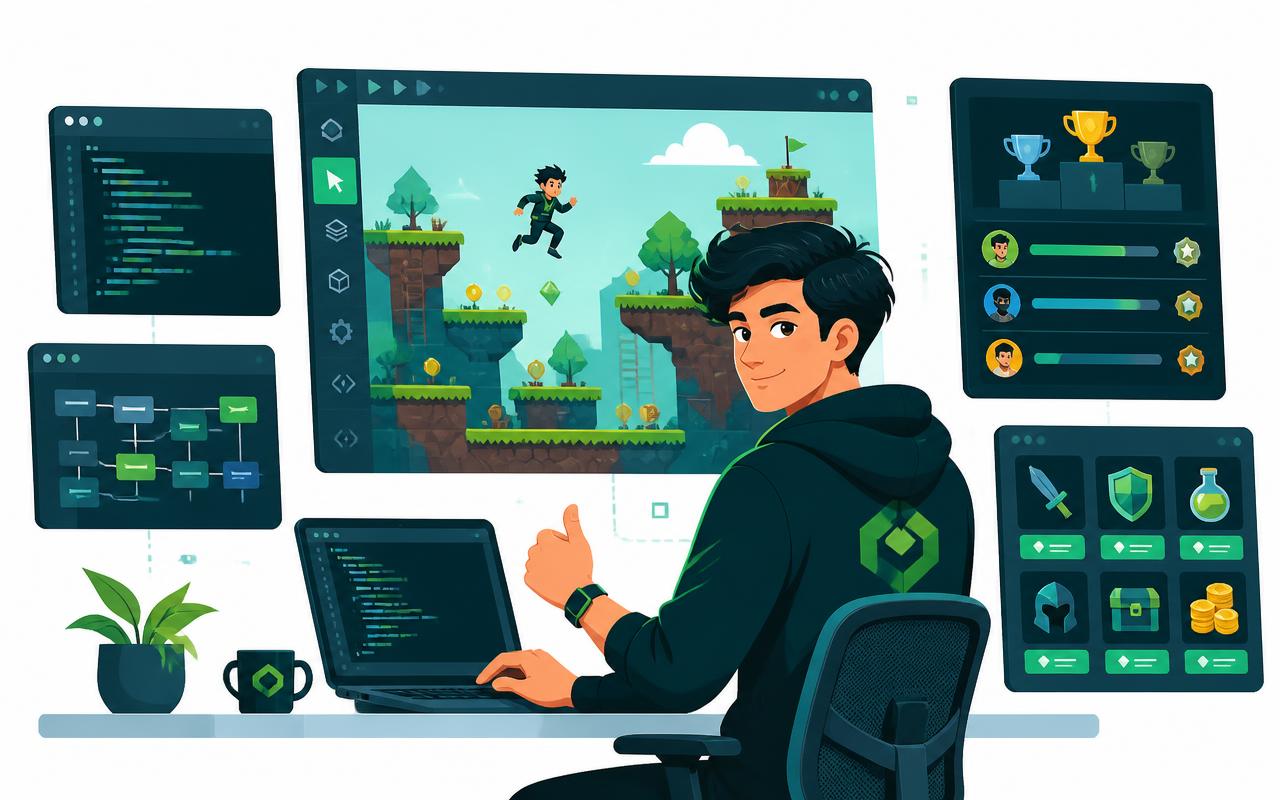
Weeks 1–3
Writing code that scales
Refactor with functions and tables, organise scripts into modules, and learn why structure matters once a game grows.
Weeks 4–6
Multiplayer foundations
Understand the client-server split, use remote events safely, and build features that work with several players at once.
Weeks 7–9
Economy & progression
Design currency, a shop UI and an inventory, then persist player progress so it is still there next session.
Weeks 10–12
Capstone build
Plan, build, playtest and publish an original multiplayer game, then present it to the class.
Example projects
- · Multiplayer tycoon with saved progress
- · Shop and inventory system
- · Original capstone game, published
The indicative 12-week arc is indicative — instructors adapt pacing and projects to each group. Ages 8–14.
Proof, not promises
What will they actually build?
Every student finishes with a published, playable Roblox game they designed and coded themselves — a portfolio piece they can show family, friends and future teachers.
Obstacle course
Jump pads, hazards and checkpoints with a real win condition.
Multiplayer tycoon
Currency, upgrades and progress that saves between sessions.
Scripted mini-game
Timers, scoring and event-driven Lua running the whole loop.
Published capstone
An original game, playtested, polished and shipped.
More than screen time
What parents actually notice
The game is the hook. These are the habits that stay.
Focus that lasts
Finishing a build takes weeks. Kids learn to stay with a hard problem instead of abandoning it.
Resilience with mistakes
Code breaks constantly. Debugging teaches children that being wrong is a step, not a verdict.
Logical thinking
Loops, conditions and functions are the same reasoning patterns their math class rewards.
Something to show
Every term ends with a finished project your child can demo and explain out loud.
Schedule
Choose ONE weekly class
One 2-hour class per week, in person at our Oakville centre. Choose the weekly slot that suits your family at checkout — students attend one class a week, not both.
Tuesday
4:00–6:00 PM
Friday
4:00–6:00 PM
Students attend one 2-hour class per week — you choose the slot at checkout.
1395 Abbeywood Dr, Unit 12, Oakville, ON, L6M 3B2Pricing
Two ways to start
All prices in CAD and exclude HST. Each term is one 2-hour class per week at our Oakville centre.
3 Months
Level 1 — Foundations
$599 + HST
12 classes
- 12 in-person classes
- Level 1 curriculum
- Finished, shareable project
- All equipment and software provided
6 Months
Level 1 + Level 2
$1150 + HST
24 classes
- 24 in-person classes
- Level 1 and Level 2 curriculum
- Advanced systems and capstone build
- Save $48 vs two 3-month terms
Prefer to try it first?
Questions about placement or scheduling? Call the centre at 289-320-0320.
FAQ
Questions parents ask us
My child already plays Roblox all the time. Isn't this basically more gaming?
No. The platform is the setting; the learning is coding, problem solving and creation. Students move from playing to building, testing and programming their own projects.
Will my child actually learn real coding, or is it mostly clicking and dragging things around?
They learn real programming concepts such as variables, logic, loops, events and functions, then use those concepts in projects. The level of coding increases as they progress.
My child has never coded before. Is this really suitable for a complete beginner?
Yes. Level 1 starts with the foundations and builds skills step by step, so previous coding experience is not required.
My child already knows some coding. Will they be too advanced for this program?
Not necessarily. Students with prior experience can build on their skills through more advanced projects and challenges. The focus is on progression, not simply repeating beginner work.
What will my child actually make during the program?
They build playable and interactive projects. Roblox students may create game worlds, mechanics and original games they can show family and friends.
How is coding taught through Roblox? What are they actually learning behind the game?
Students learn a concept, apply it, test it, debug it and use it in a project. The game environment makes abstract coding ideas easier to see and use.
Where does AI come into the program, and how will you make sure my child is actually learning instead of just asking AI for the answers?
AI is treated as a tool, not a shortcut. Students learn to ask better questions, inspect AI-generated code, test it, find mistakes and understand what the code does.
How is this different from my child watching coding tutorials on YouTube or learning on their own?
They get a structured progression instead of disconnected tutorials, with guided practice, projects, troubleshooting and a path from beginner skills to more independent creation.
My child already spends a lot of time on screens. Will they be on a computer for the full two-hour class?
The program is computer-based, but the screen time is purposeful: coding, building, testing and problem solving rather than passive entertainment. The exact class format may vary by session.
Why are the classes two hours long, and will my child be able to stay focused that long?
Two hours gives enough time to learn a concept, practise it and turn it into a working project. Sessions are hands-on rather than two hours of uninterrupted lecture.
What's the difference between the 3-month and 6-month programs? Is six months really worth it?
Three months covers Level 1. Six months includes Level 1 plus Level 2, so students have more time to develop skills and complete more advanced projects. It is also better value than buying two separate 3-month terms.
What happens after Level 1? Will my child actually move on to more advanced projects?
Yes. Level 2 builds on the foundations from Level 1 and introduces more advanced coding, game systems, problem solving and more independent project work.
Do I have to book a free trial, or can I just enrol my child directly?
You can enrol directly. The free trial is available for parents who would prefer to experience the program before purchasing.
What happens if my child loses interest or decides Roblox isn't for them after starting?
The program is designed around creating, not simply playing, so students are continually working toward projects and new challenges. Any cancellation, refund or transfer terms follow the centre's policy — ask us and we will walk you through them before you enrol.
Beyond Roblox, what skills will my child actually take away from this program?
They practise logical thinking, problem solving, computational thinking, creativity, debugging, project planning and responsible use of technology and AI — skills that extend beyond the platform itself.
What is Roblox Studio, and what will my child actually use it for?
Roblox Studio is the same free development tool professional Roblox creators use to build games. Students use it to build worlds, place parts, write scripts and turn their ideas into playable projects.
Will my child learn an actual programming language in Roblox?
Yes. Students write scripts in Luau, the real scripting language that powers Roblox games, and use it for game rules, mechanics and interactive behaviour.
Is this coding, game design, or both?
Both. Students code the logic behind their games and make design decisions about levels, mechanics and player experience — the two skills reinforce each other in every project.
Ready to get started?
Prefer to try it first?
Ultimate Coders Oakville
Same screen. Completely different outcome.
Roblox Coding & Game Development runs weekly, in person, in small groups. Start with a free trial class or enroll for the term — spaces per weekday are limited by group size.